.svg)
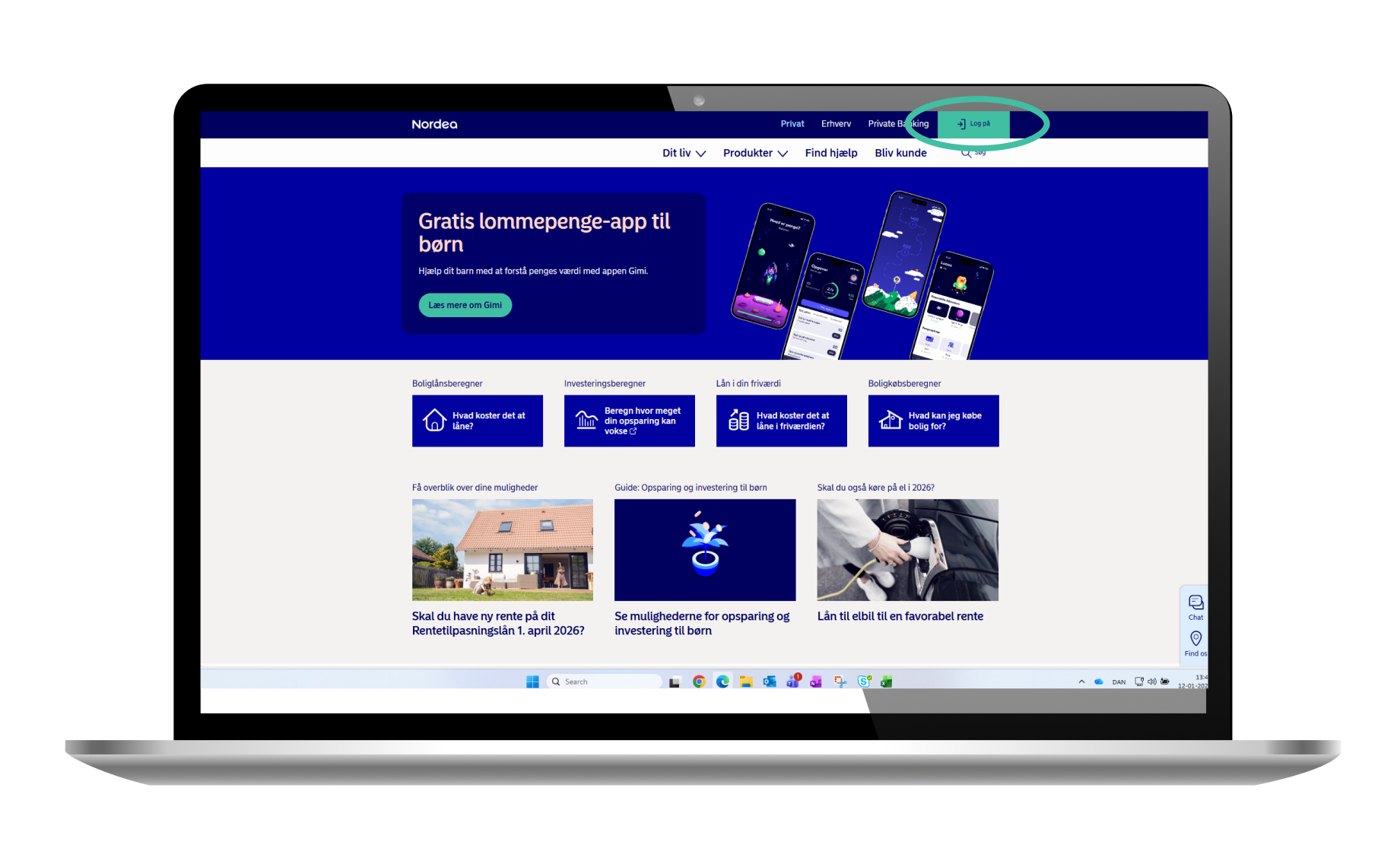
1. Log in
Click ”Log på” in the top right corner on nordea.dk
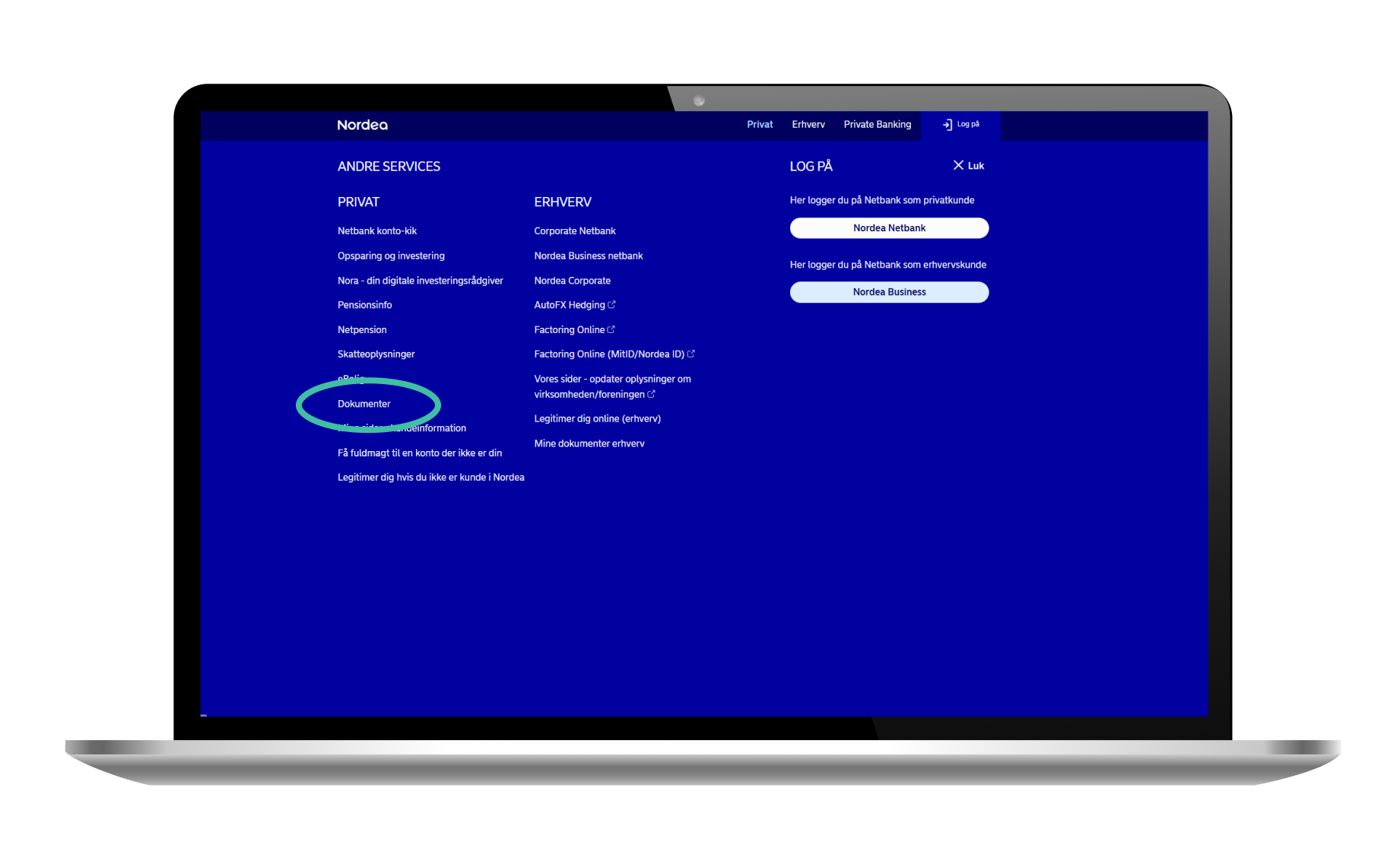
2. Select documents
Click "Dokumenter" from the list to the left
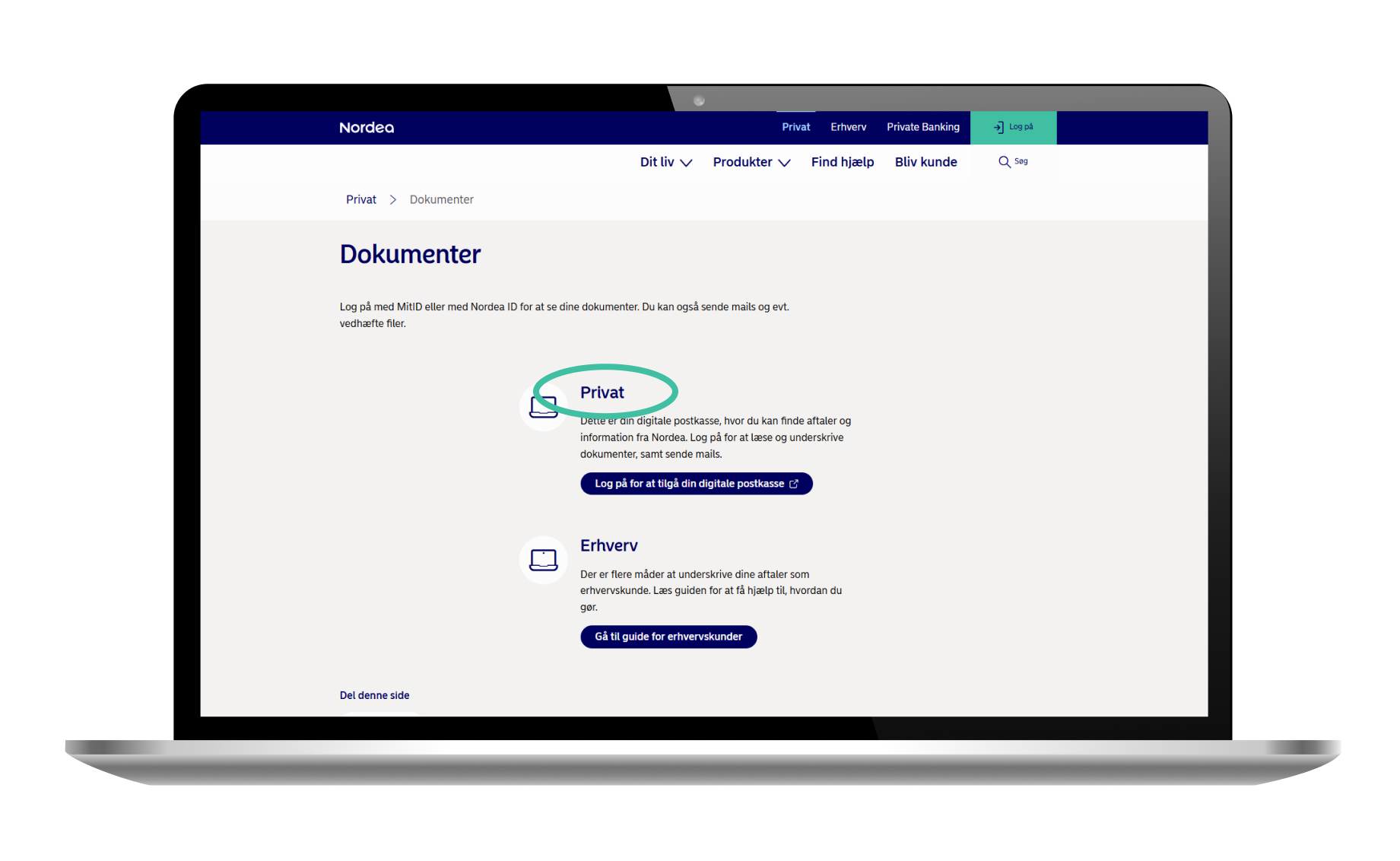
3. Log in to access your digital mailbox
Click "Log på for at tilgå din digitale postkasse" under "Privat".
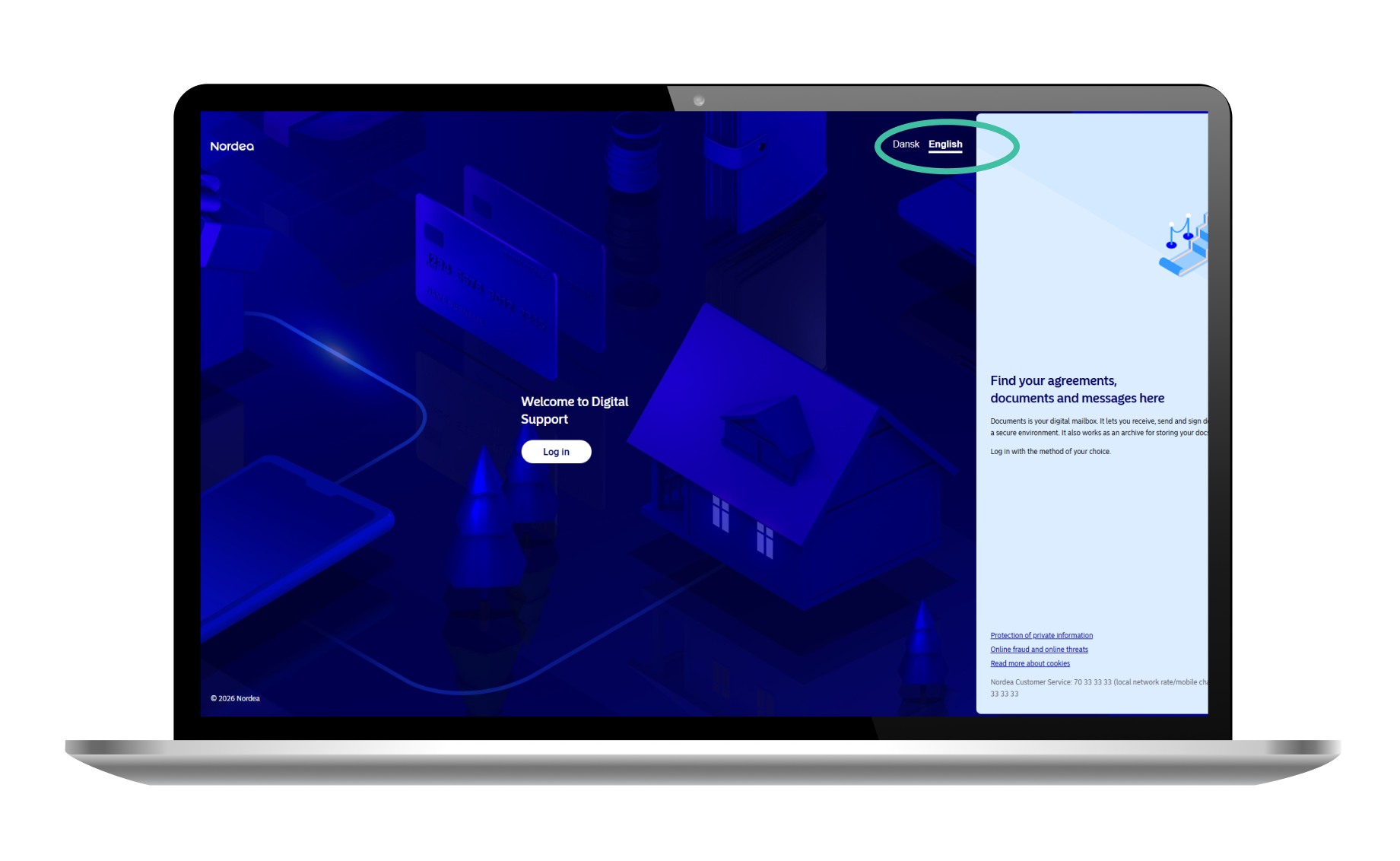
4. Select language
Select "English" to read the English version of the guide.
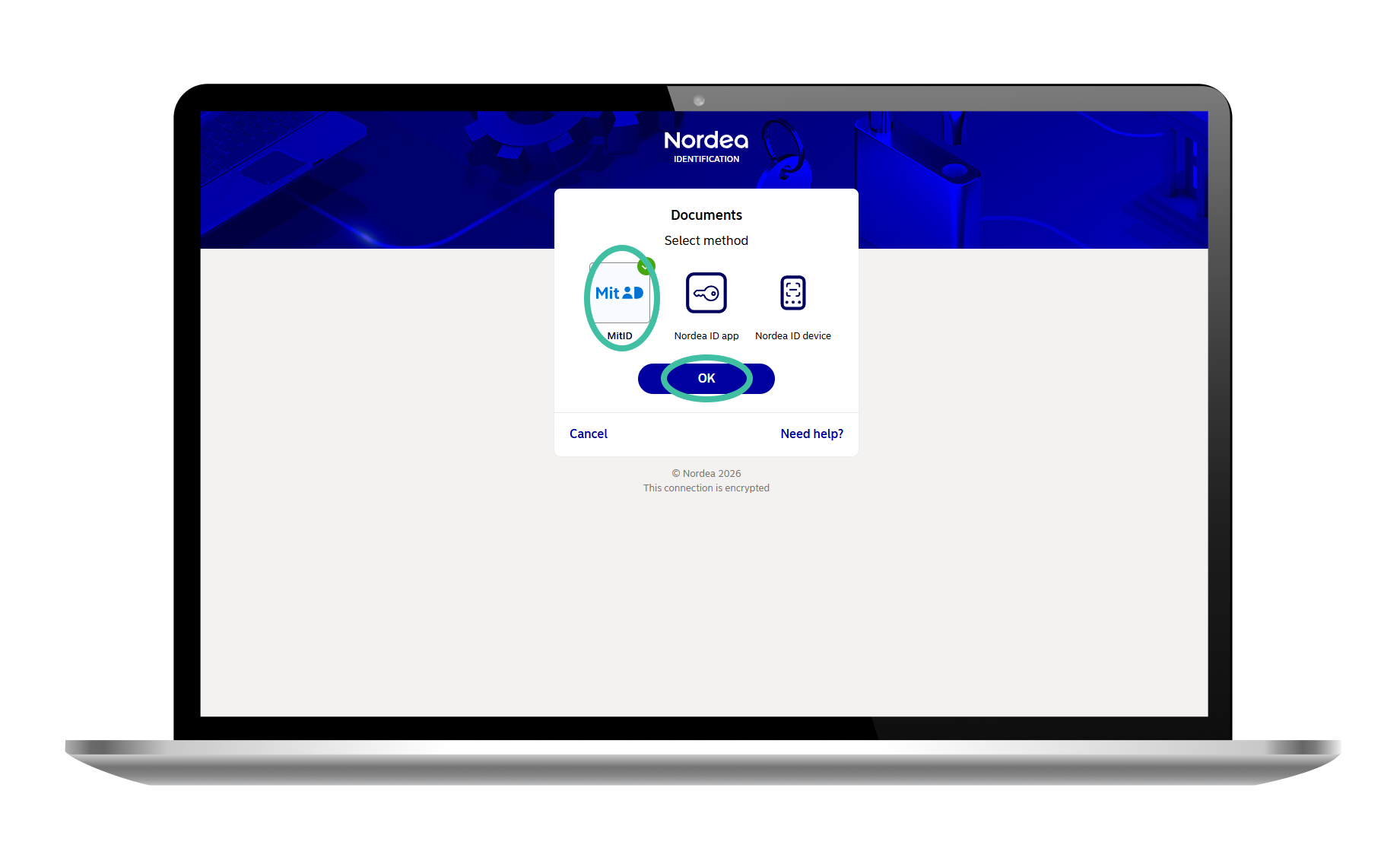
5. Select your preferred login method
Select the login method you prefer and press "OK".
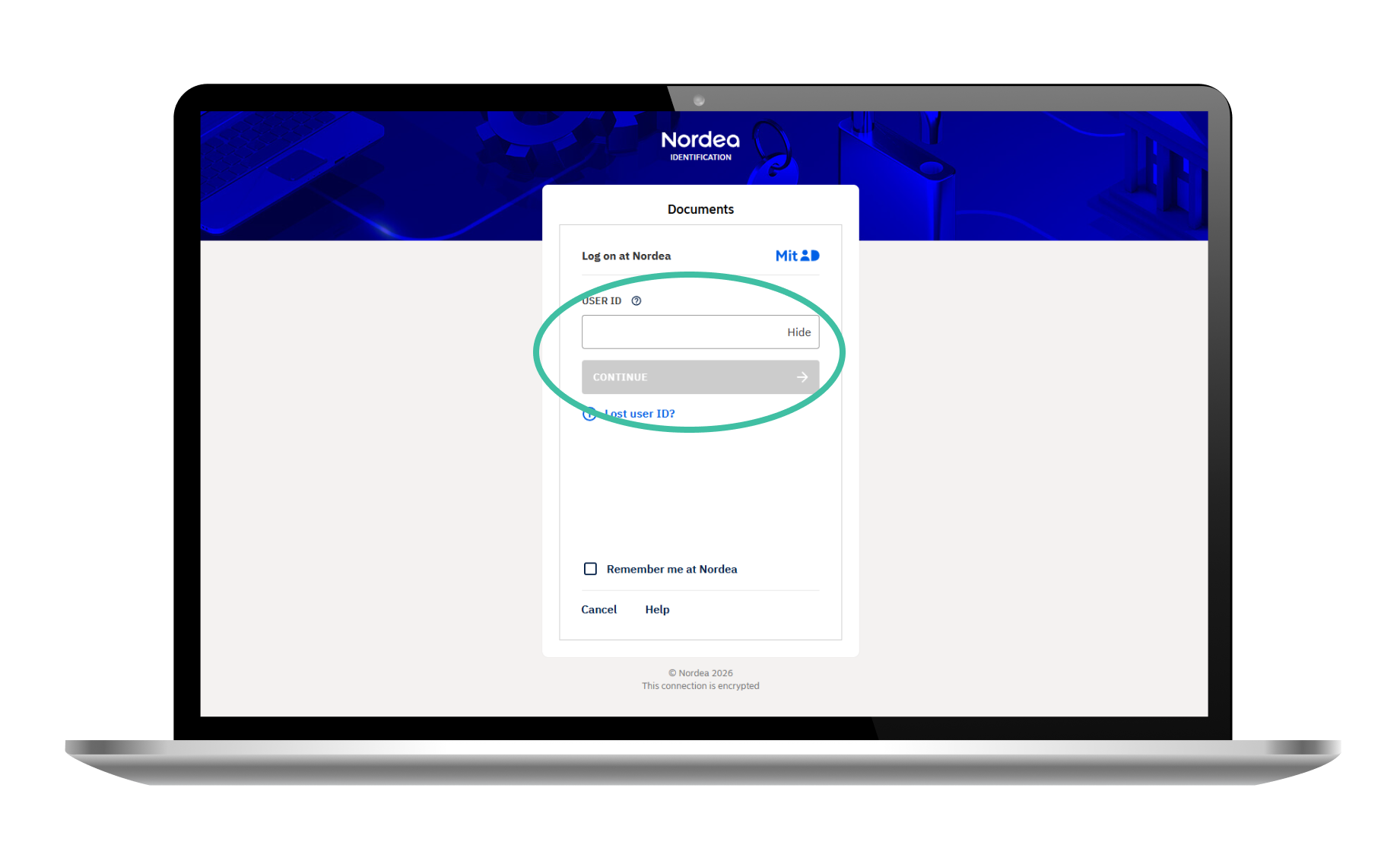
6. Log in
Enter your user ID and log in.
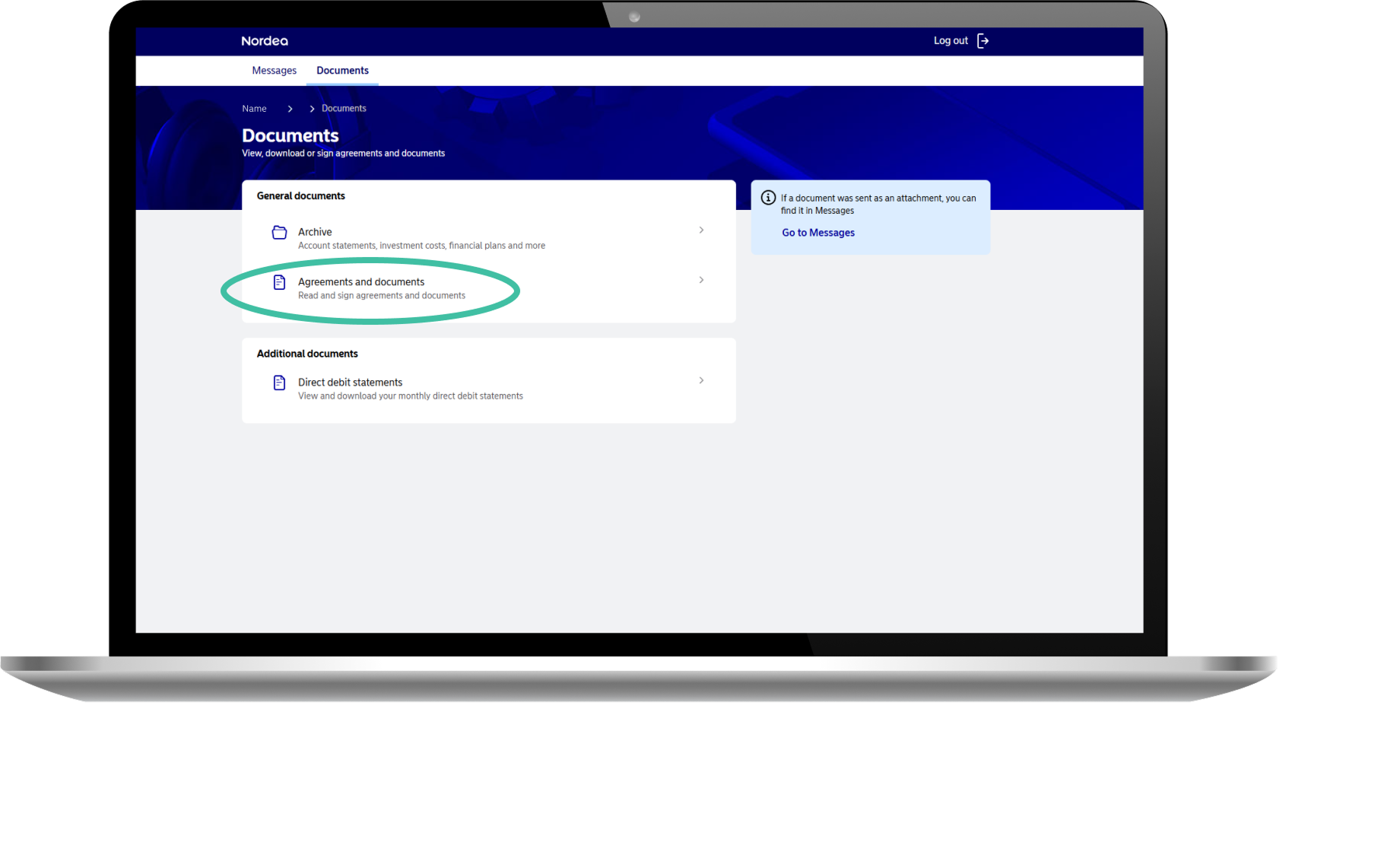
7. Find document
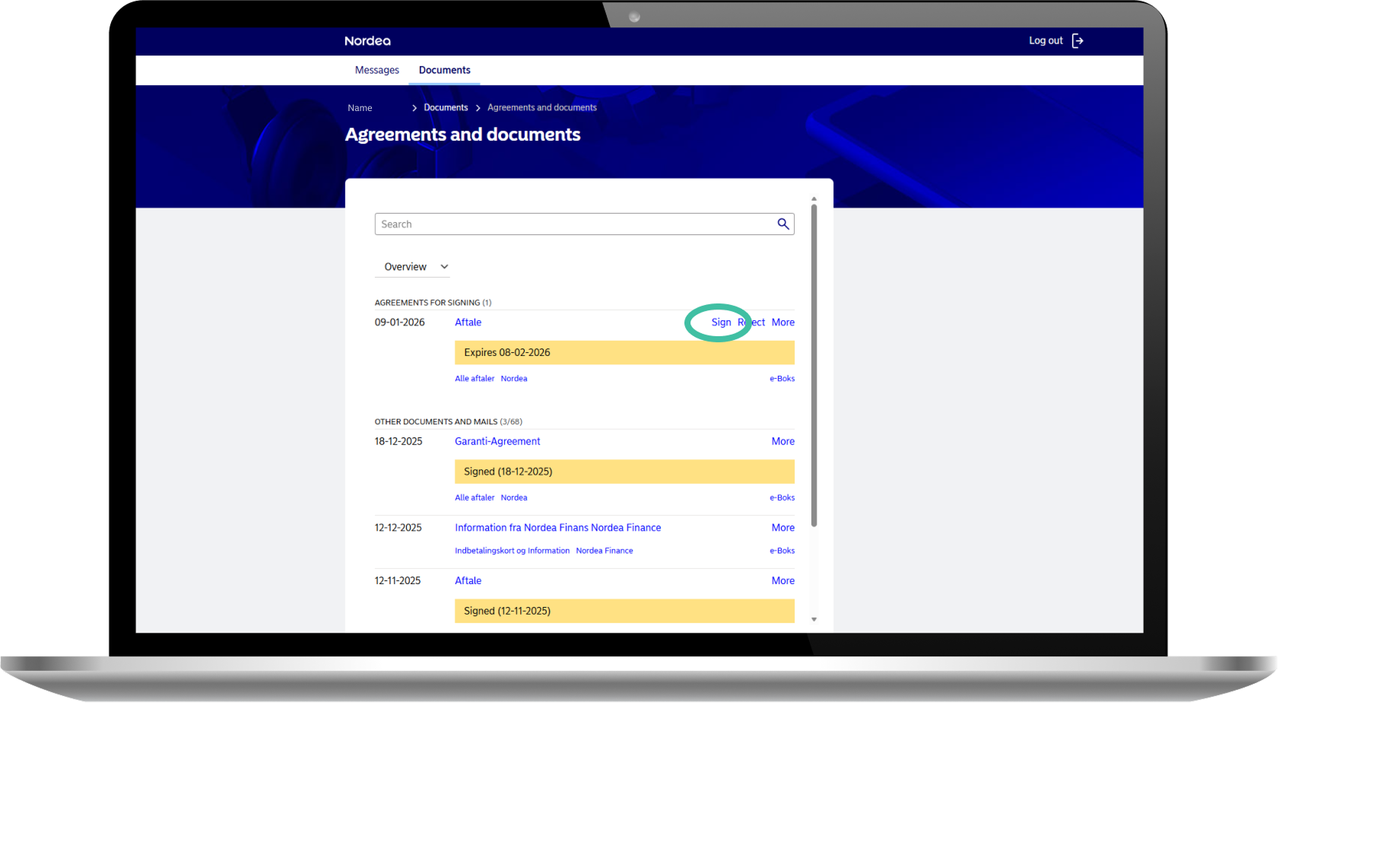
Find the document or documents that need signing.
8. Select "Sign"
Click "Sign".
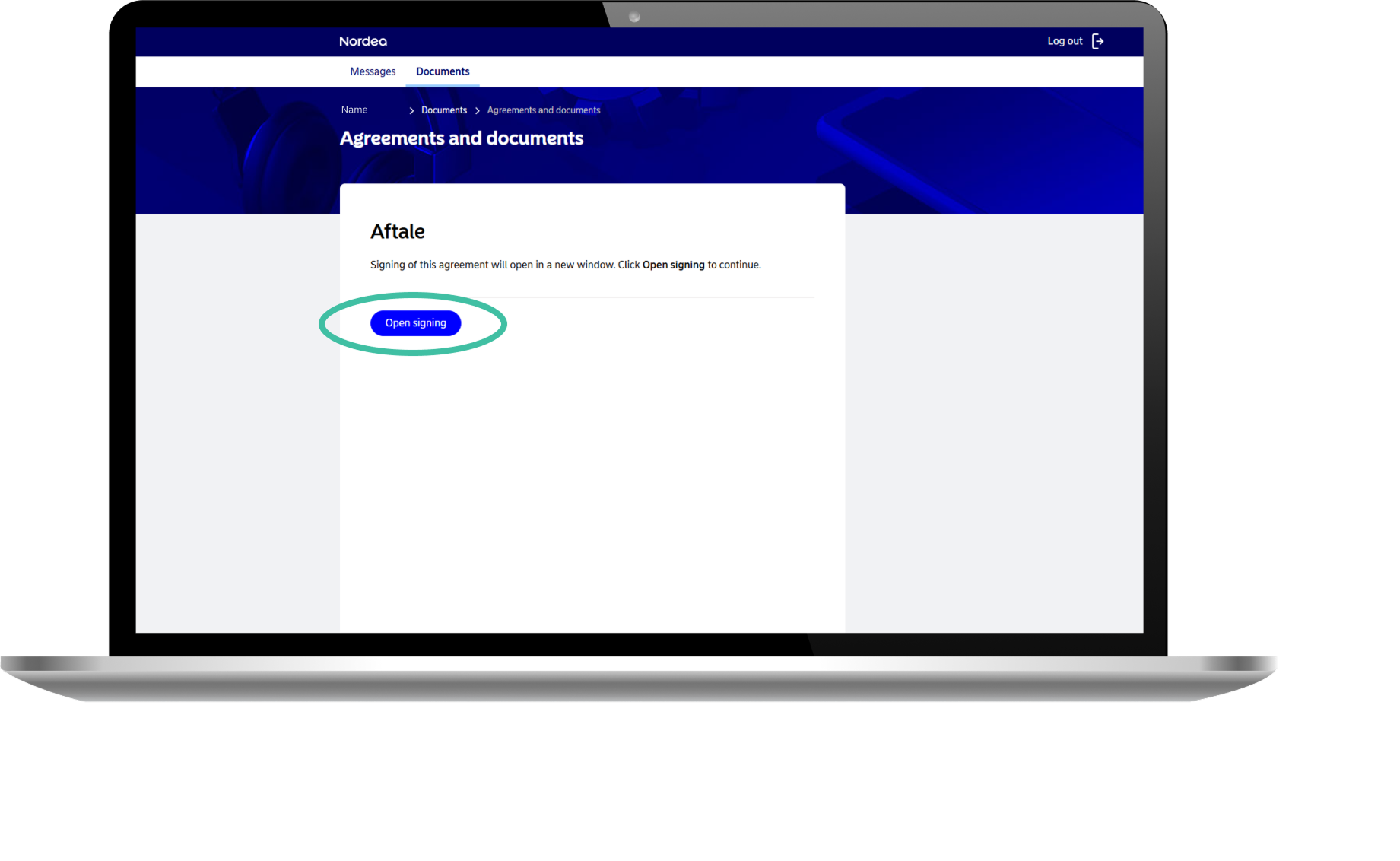
9. "Open signing"
Clik "Open signing" to sign the document (opens in a new window).
10. Sign the document
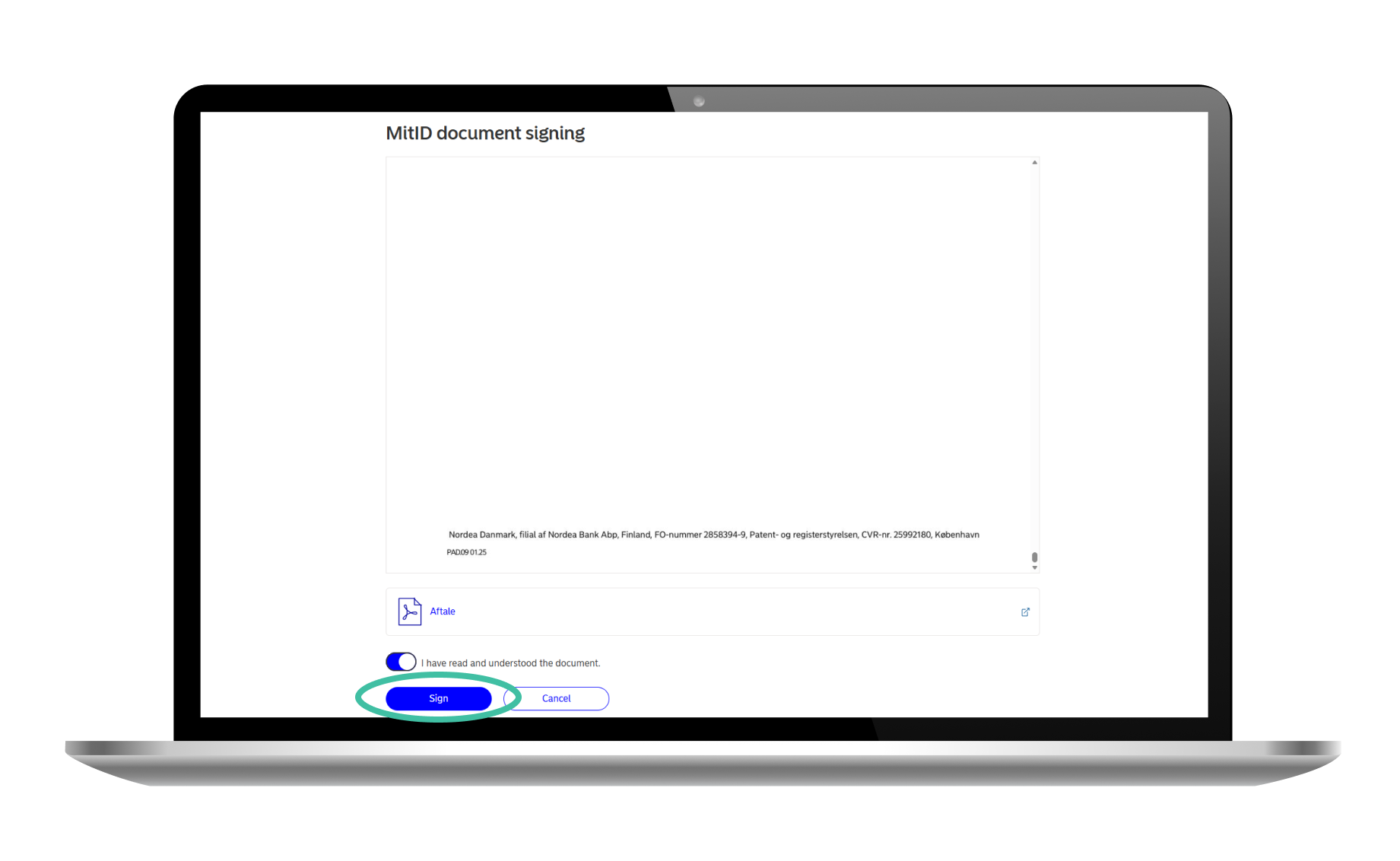
Read the document or documents that need signing and scroll to the bottom. Click ”I have read and understood the document”. You can now sign using MitID.